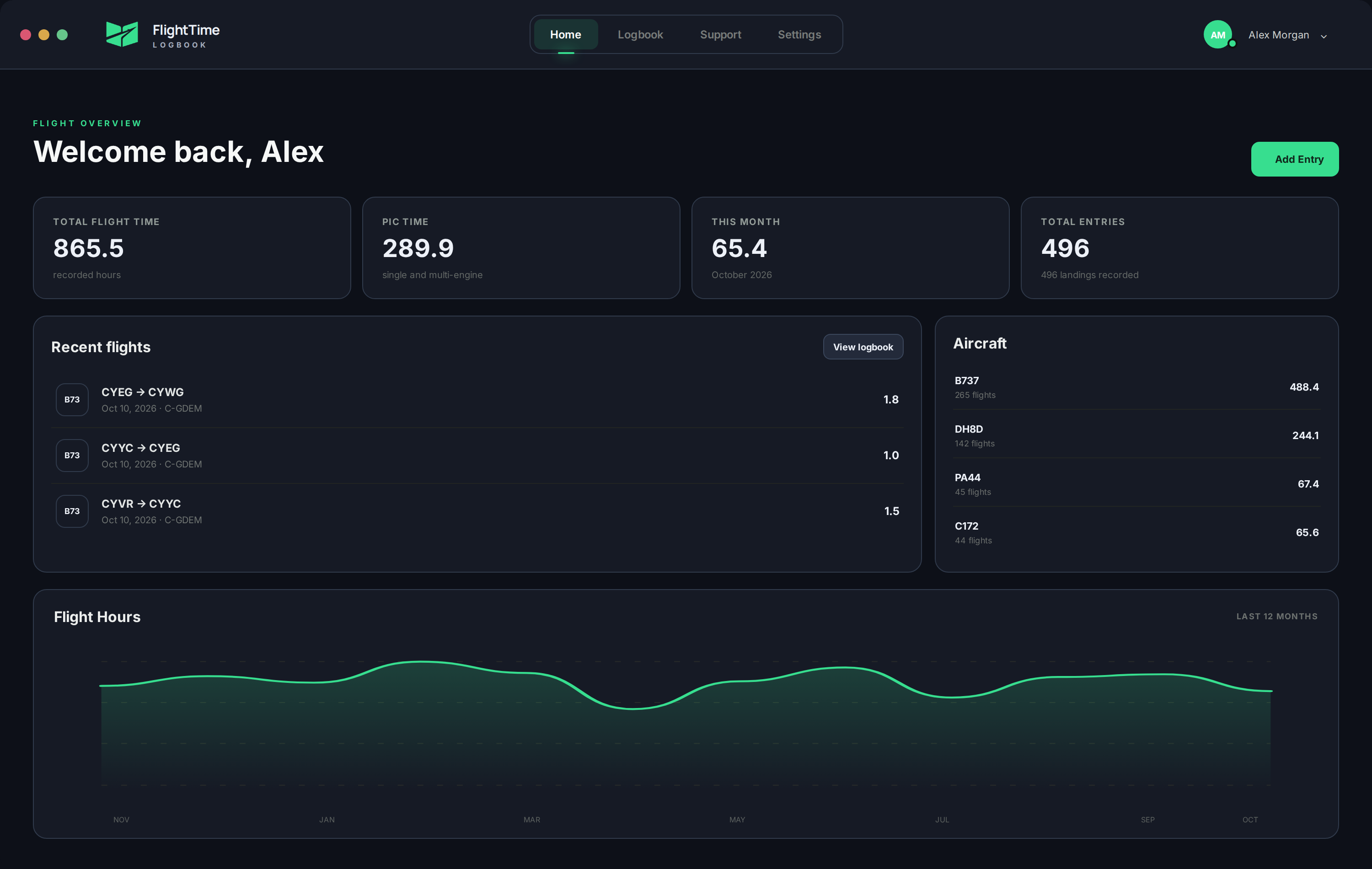
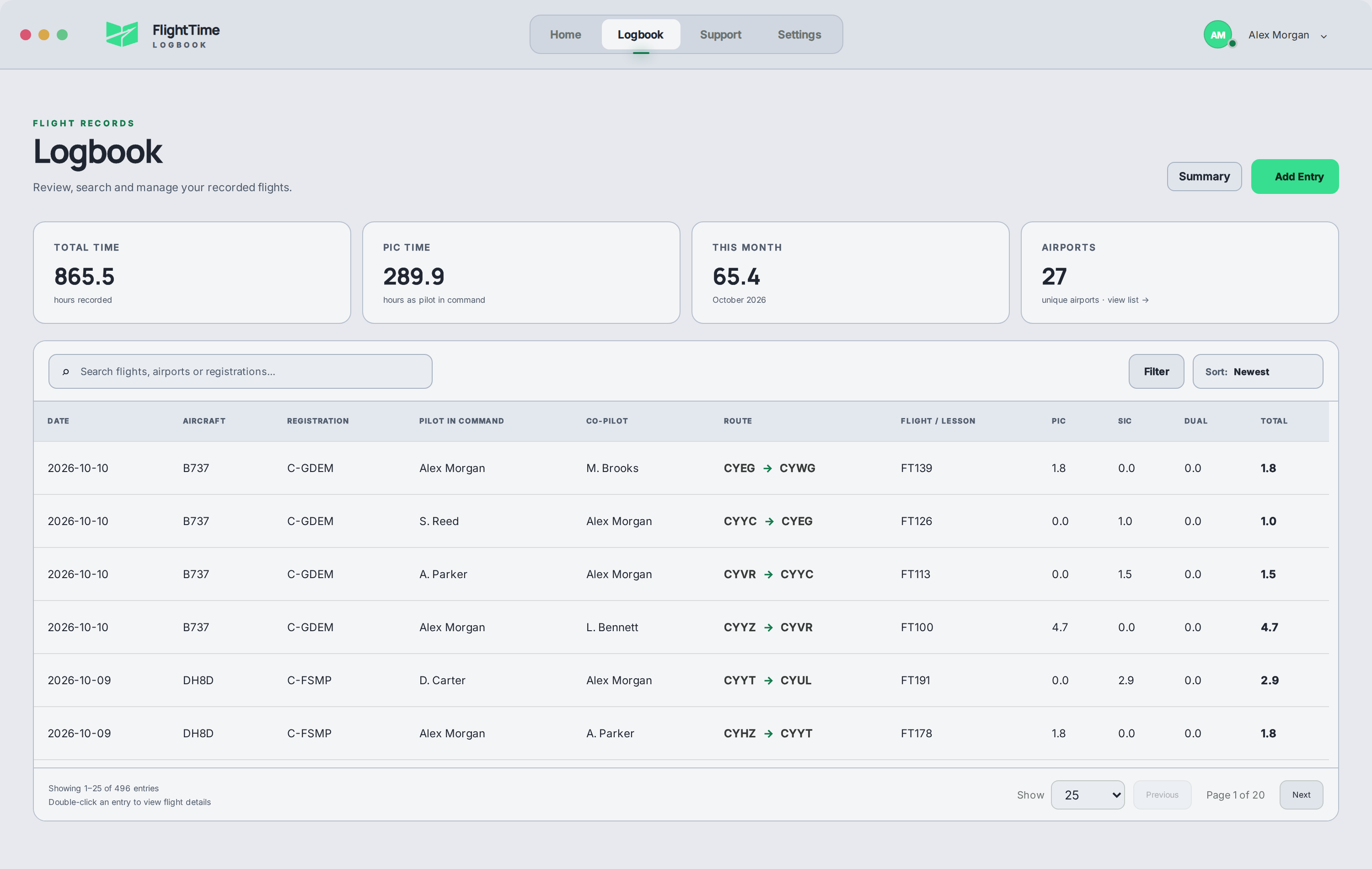
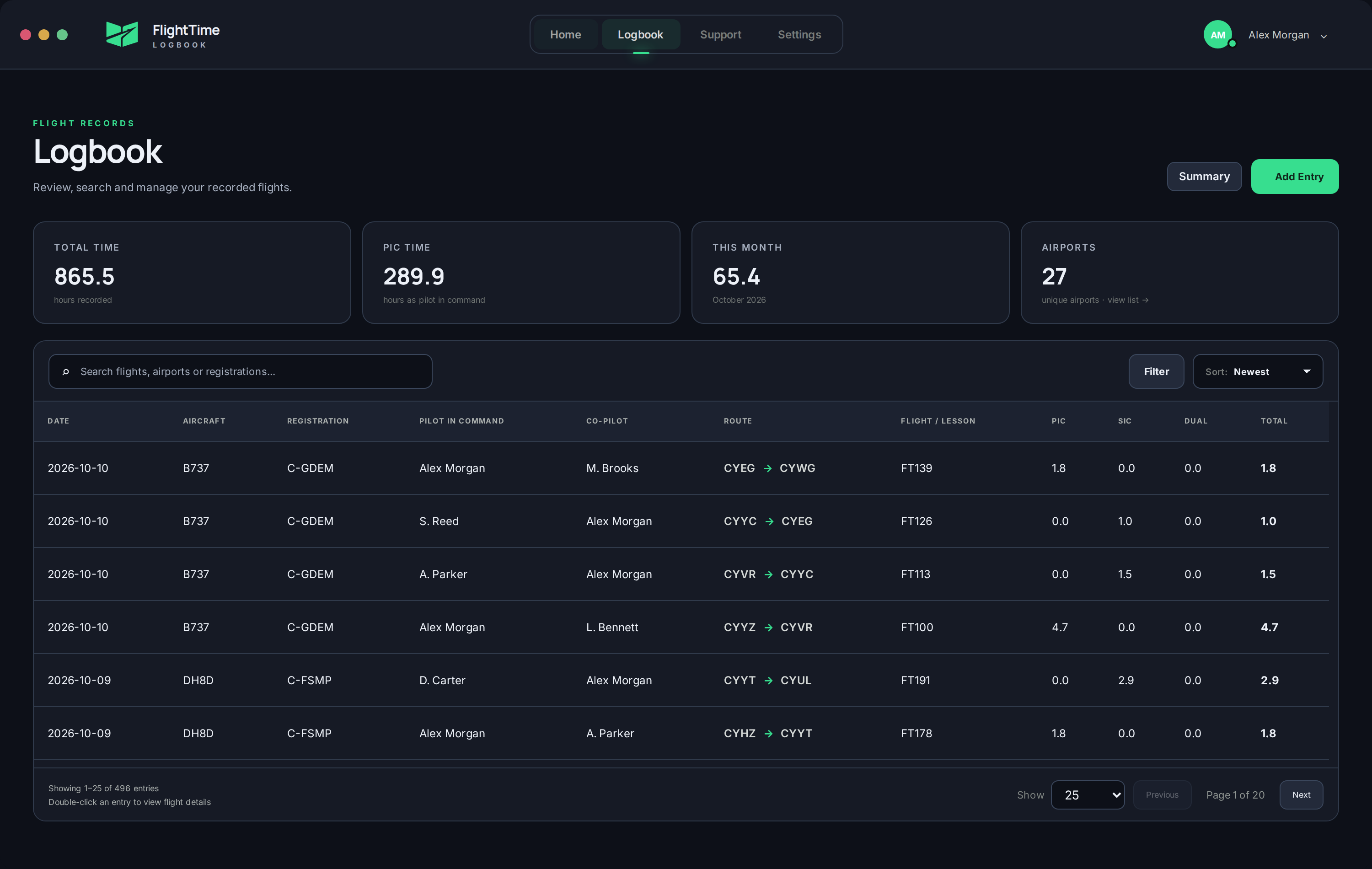
Find any flight.
Search airports, aircraft, registrations and crew. Add an entry, make a correction or open your complete history.
Explore the logbook FlightTimeLOGBOOK
THE DIGITAL PILOT LOGBOOK
From your first flight to the flight deck. Log, import and sync your flying in one place.
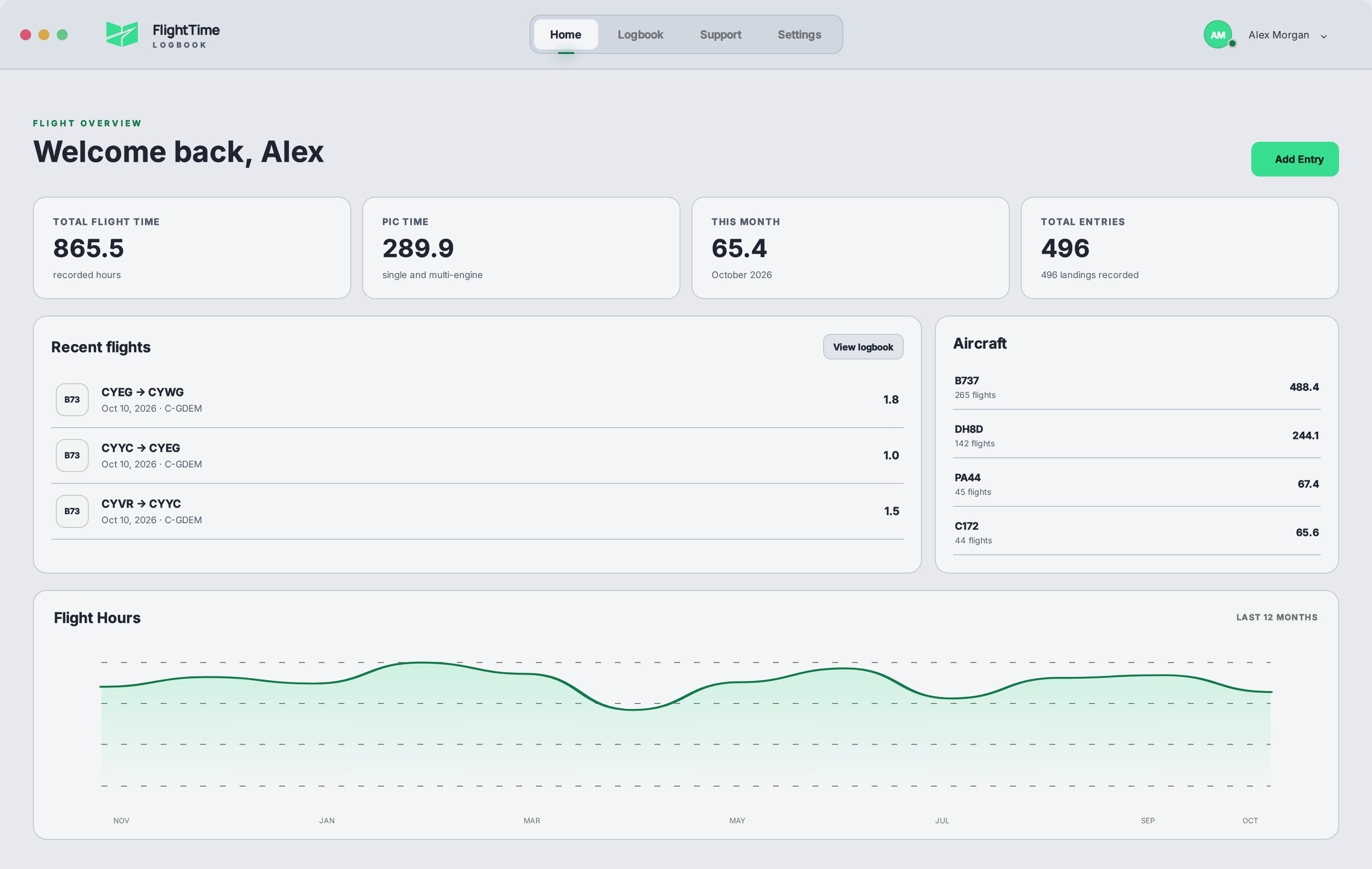
ONE LOGBOOK.
EVERY STAGE OF YOUR FLYING.
LESS ADMIN. MORE CLARITY.
The detail you need, with the totals that matter. A focused desktop logbook for Windows and macOS.
Search airports, aircraft, registrations and crew. Add an entry, make a correction or open your complete history.
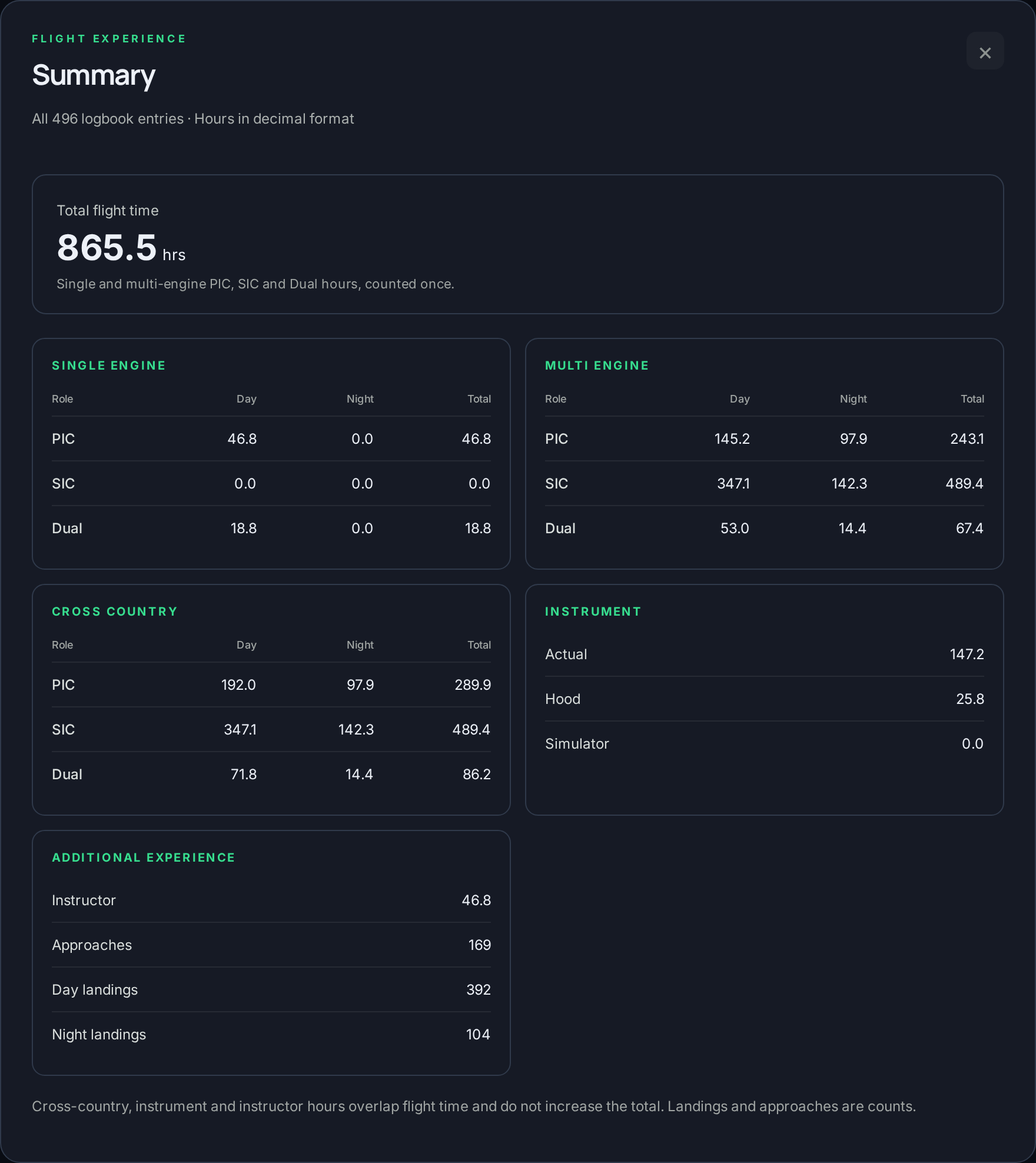
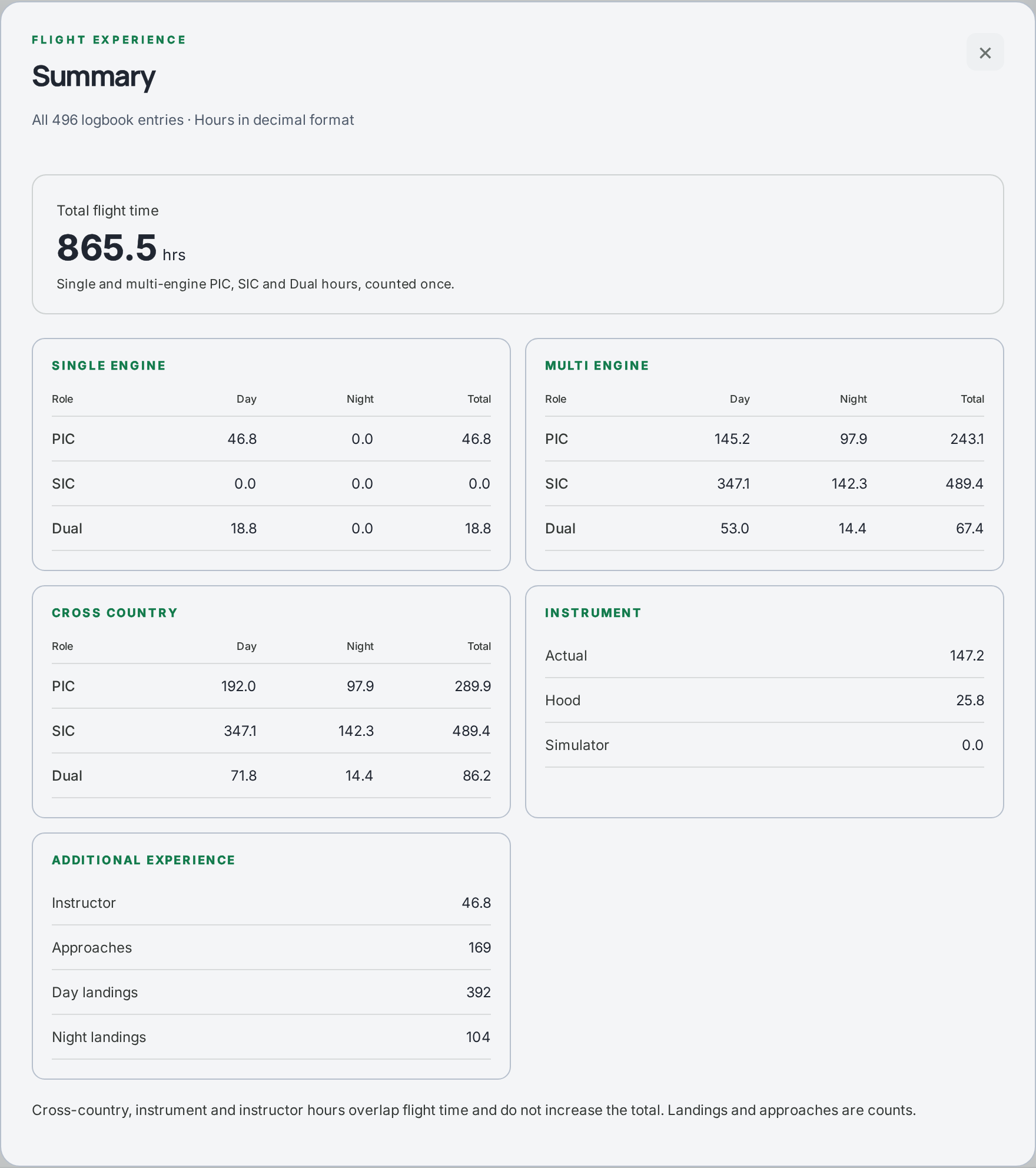
Explore the logbookClear summary of times broken down in a very similar way to a paper logbook.
How hours are countedA local copy on your device, with account-based cloud sync between desktop and iPhone. Your updates travel with you.
Understand cloud syncA LOGBOOK THAT GROWS WITH YOU
Build time, instruct, move to the airlines. Keep your history together as your flying changes.
BRING YOUR HISTORY WITH YOU
Airline reports or your own spreadsheet. Match the data, review the flights, then add them to your logbook.
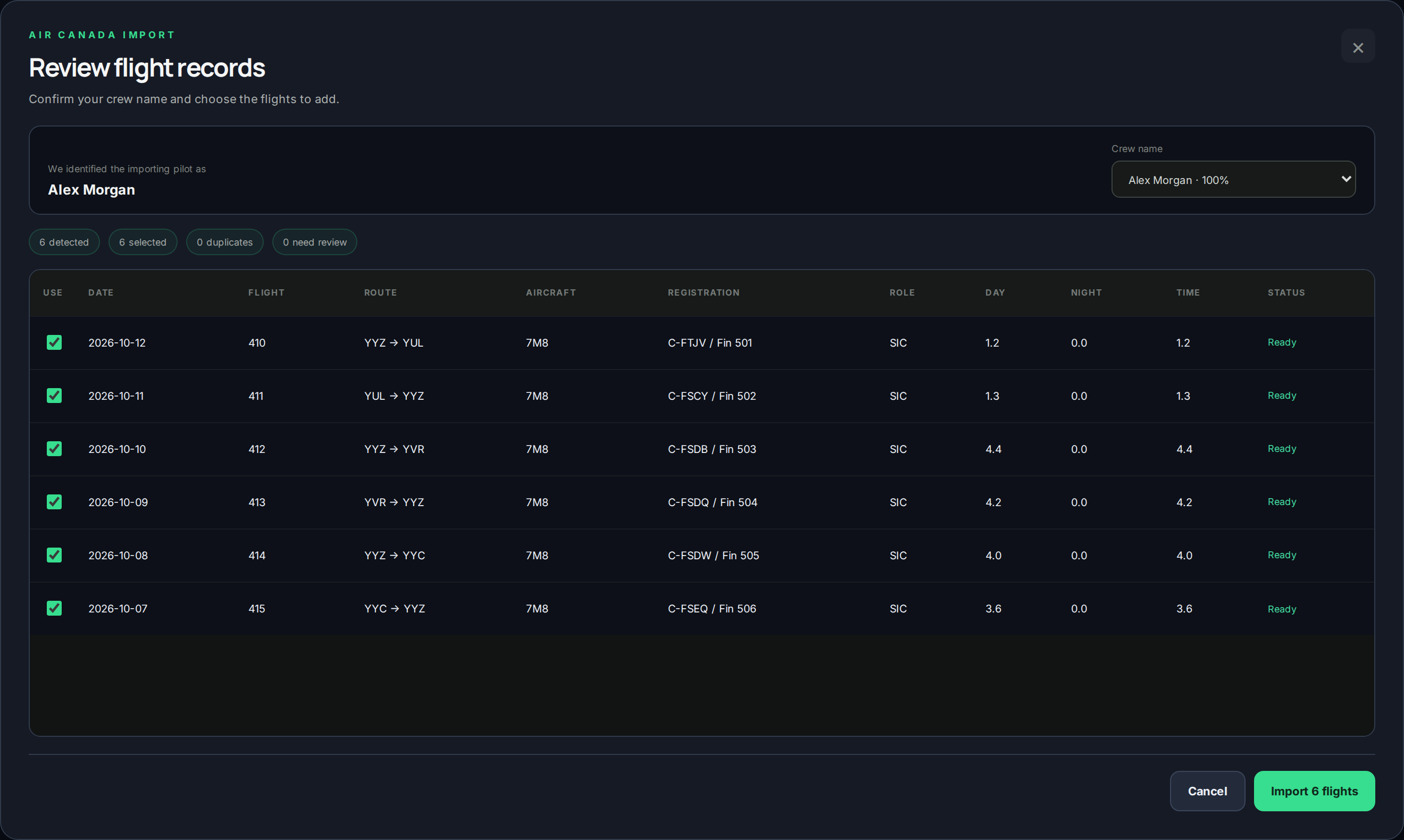
Your next airline. Your next flight school.
More importers are coming as FlightTime grows.
DETAIL WITHOUT THE DOUBLE COUNTING
Engine, role and day/night stay associated with the flight.
Open summaries and correct entries marked for review.
Export CSV, create a backup and keep copies you control.
Choose Dark or Light. The same clear records, in the theme that suits you.
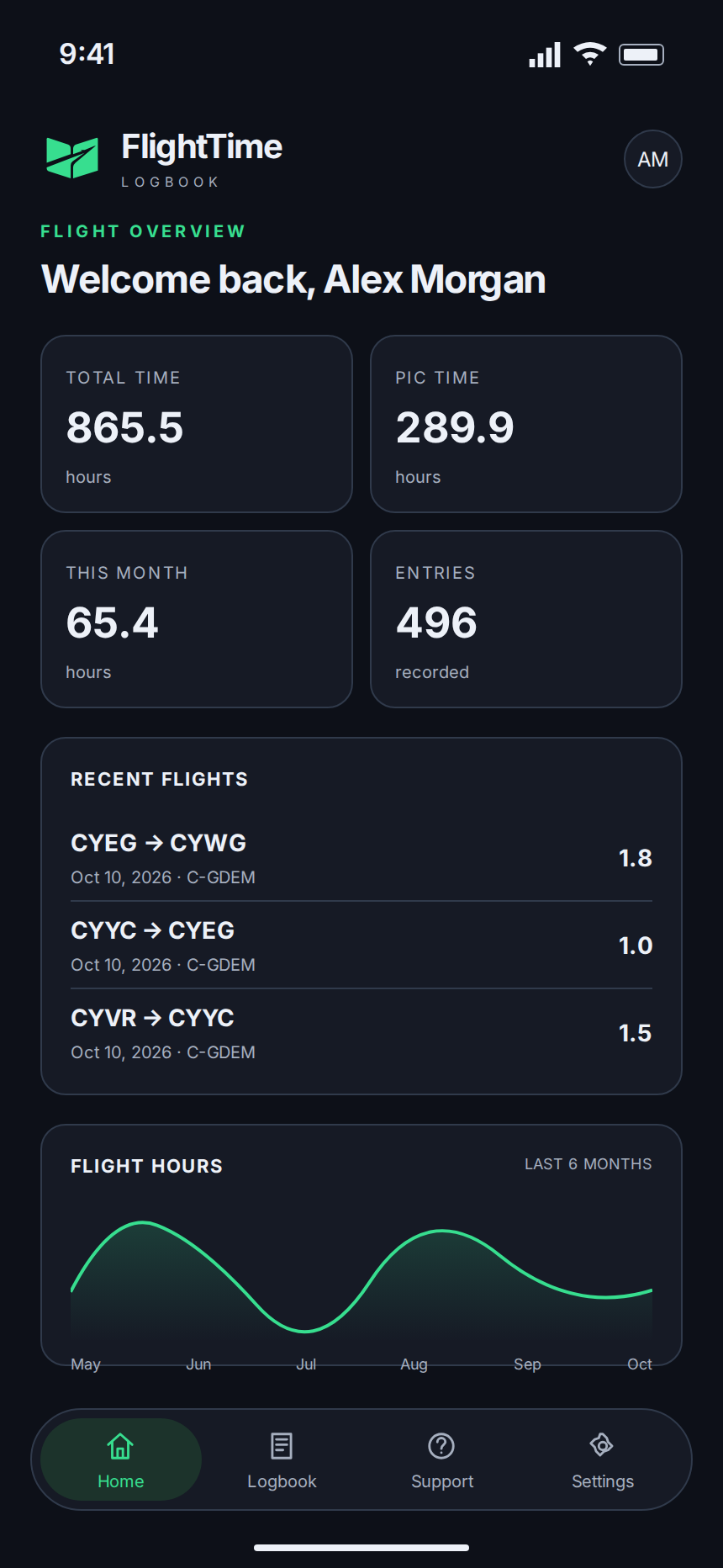
FLIGHTTIME FOR iPHONE
Search flights, check totals and make updates on your phone. Sign in to the same account and sync with your desktop logbook.
SIMPLE PLANS. THE COMPLETE LOGBOOK.
Desktop imports and exports, detailed summaries and cloud sync. Choose monthly or annual access.
Billed monthly. Cancel renewal at any time.
Billed annually. Cancel renewal at any time.
Subscriptions renew automatically until cancelled. Paid access continues to the end of your billing period, followed by 30 days to view and export local records. Cloud flight data is scheduled for deletion after that period.
Checkout is handled by Stripe.
Terms of Service · Privacy Policy
HELP WHEN YOU NEED IT
Simple setup guides and direct support, from your first entry to your next import.
Accounts, flight hours, importers and sync. Plain instructions for every part of FlightTime.
Open the guidesNeed a hand with your logbook or account? Send your question to FlightTime support.
Contact supportProduct updates, new importers and the next steps for FlightTime.
FlightTime on InstagramTHE DETAILS, MADE SIMPLE
Yes. Add flights manually as you build time. You can bring in your existing history later using a supported report or spreadsheet.
Air Canada PQRM, Porter N-OC PDFs and Jazz CrewTrac imports, plus CSV and Excel with column matching. Imports run on desktop.
It uses the same account and cloud logbook. Search, view summaries and edit after enabling uploads. Use desktop for imports and routine exports. Contact support for the current iPhone installation instructions.
Yes. The apps keep a local copy. Cloud sync shares changes between your signed-in devices when connected. Account and licence checks require a connection; offline access depends on a valid saved session. Keep your own exports and backups as well.
Your subscription stops renewing and paid access lasts until the paid expiry date. You then have 30 days to view and export local records. Editing, imports and cloud sync stop during that period. Afterward app access ends and cloud flight data is scheduled for deletion.
Start with one flight. Keep building from there.
MEMBER PORTAL
Manage your FlightTime account and connect a licence whenever you are ready.
No licence connected yet.
Loading billing information…
ADMINISTRATION
Find accounts and licences, including members without Discord.